
What Is Phishing and How to Protect Yourself? A Complete Guide
You’ve probably received one: an urgent email from your bank, a message about a suspended account, a notification about a package delivery you don’t remember ordering. These are phishing attacks, and they’re everywhere. Let’s understand how they work and, more importantly, how to protect yourself.
What exactly is phishing?
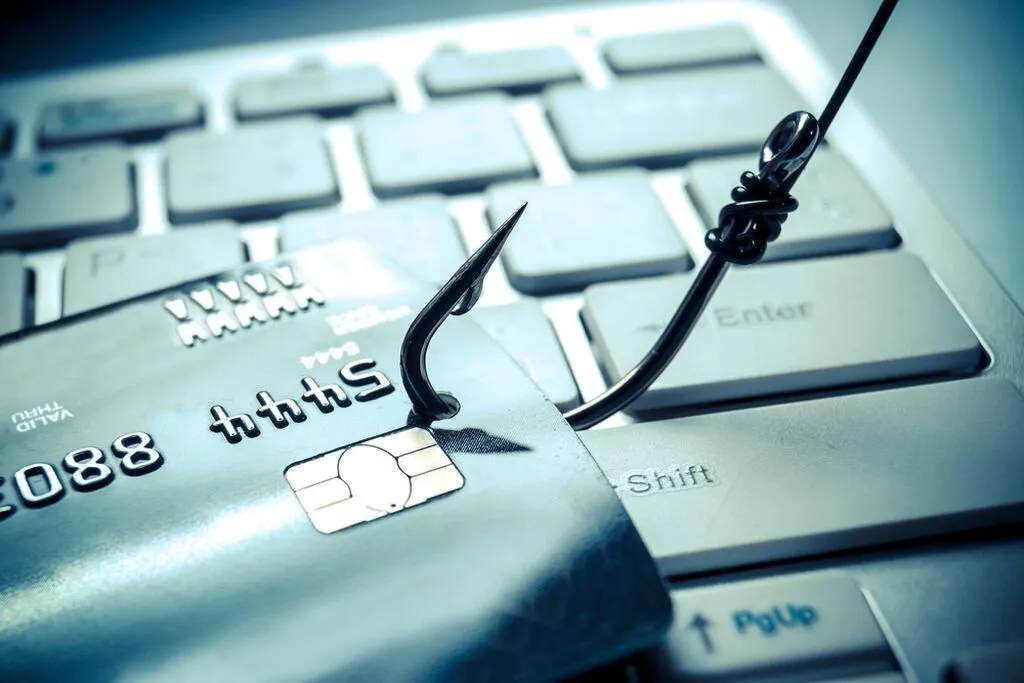
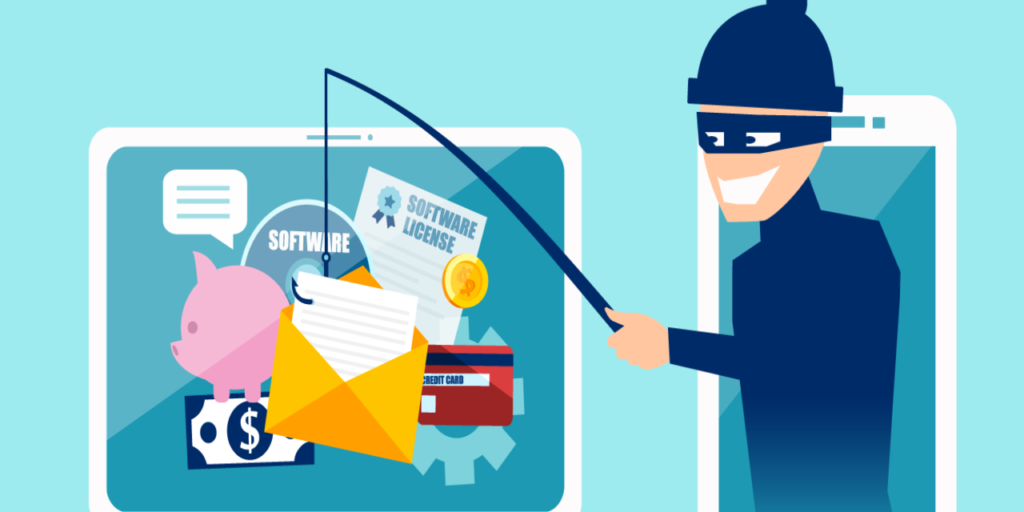
Phishing is a type of social engineering attack where criminals impersonate trusted entities to trick you into revealing sensitive information. The name comes from “fishing” — attackers cast a wide net hoping someone takes the bait.
The goal is usually to steal login credentials, financial information, or personal data. Sometimes phishing is just the first step in a larger attack — once they have your email password, they can reset passwords everywhere else.
Phishing has evolved dramatically from the poorly-written Nigerian prince emails of the past. Today’s attacks are sophisticated, personalized, and frighteningly convincing.

Types of phishing attacks
Email phishing
The classic form. You receive an email that appears to come from a legitimate source — your bank, a streaming service, a retailer. The message creates urgency, prompting you to click a link and enter your credentials.
The fake login page looks identical to the real one. But when you enter your password, it goes straight to the attacker.
Spear phishing
While regular phishing casts a wide net, spear phishing targets specific individuals. Attackers research their targets, learning details that make the attack more convincing.
An email that mentions your actual boss’s name, references a real project, and comes during a realistic timeframe is much harder to spot than a generic “Dear Customer” message.
Smishing (SMS phishing)
Text messages have become a popular attack vector. Your phone feels more personal than email, and people are less suspicious of texts.
Messages about failed deliveries, bank alerts, or account problems with links to fake sites are common smishing tactics.
Vishing (voice phishing)
Phone calls from “tech support,” “the IRS,” or “your bank” asking for personal information or remote access to your computer. The human voice adds credibility that email lacks.
Business Email Compromise (BEC)
Attackers compromise or spoof executive email accounts, then send requests to employees. “Transfer $50,000 to this account for a confidential acquisition” seems reasonable when it comes from the CEO.
How to recognize phishing attempts
Check the sender carefully
Hover over the sender’s name to see the actual email address. “support@amazon.com” is very different from “support@amazon-secure.com” or “support@amazn.com.”
Attackers use domain names that look similar at first glance. Read carefully.
Watch for urgency and threats
“Your account will be closed in 24 hours!” “Confirm now or lose access!” Legitimate organizations rarely create this kind of pressure. They want you to act quickly before you think critically.
Examine links before clicking
Hover over links to see where they actually lead. The displayed text might say “www.paypal.com” while the actual link goes to “paypal.scammer.com.”
On mobile, long-press links to see the URL before opening them.
Look for errors and inconsistencies
While modern phishing is more polished, many attacks still contain subtle errors. Unusual phrasing, slight logo differences, or formatting inconsistencies can reveal fakes.
But don’t rely on this — sophisticated attacks are indistinguishable from legitimate communications.
Verify through other channels
If you receive an unexpected email from your bank, don’t click the link. Open a new browser window, go directly to your bank’s website, and check your account. Or call them using the number on your card.
Protecting yourself from phishing
Use unique passwords
If you use the same password everywhere and one site gets phished, attackers have access to everything. Unique passwords contain the damage.
A password manager makes this practical. It remembers the unique passwords so you don’t have to.
Enable two-factor authentication
Even if attackers get your password through phishing, 2FA can stop them. They’d need your password AND your phone or security key.
This is your strongest defense against credential theft. Enable it everywhere possible.
Keep software updated
Browser and email updates often include improvements to phishing detection. Security updates patch vulnerabilities that phishing attacks might exploit.
Use built-in protections
Modern browsers warn about known phishing sites. Gmail and other email providers filter many phishing attempts. Don’t disable these protections.
But don’t rely on them exclusively — new phishing sites appear constantly and take time to get flagged.
Think before you click
The most important protection is skepticism. If something seems urgent or too good to be true, pause. Take an extra moment to verify.
It’s better to ignore a legitimate email than to fall for a fake one. Important messages will come again.
If you’ve been phished
Act immediately. If you entered credentials on a fake site, change that password now — and any other accounts using the same password.
Enable 2FA if you haven’t already. This can prevent attackers from using compromised credentials.
Check for damage. Review recent account activity, transactions, and settings. Look for changes you didn’t make.
Report it. Forward phishing emails to your email provider and the impersonated organization. Report phishing sites to Google Safe Browsing.
Alert your employer if work accounts were involved. Your IT team needs to know and can take protective measures.
The bottom line
Phishing succeeds because it exploits human psychology, not technical vulnerabilities. No software can fully protect you — awareness is essential.